Revisiting a 20-Year-Old NDS Project with AI
Reviving a Nintendo DS homebrew project with Claude Code and Gemini
Almost twenty years ago, during my PhD in bioinformatics, I needed to brush up on C++. Our lab was doing comparative genomics, studying how genomes evolve at the structural level, particularly the effects of whole genome duplications in plant genomes. One of the key tools we used, i-ADHoRe 2.0, had a bug that prevented me from scaling it to more genomes, and I was going to have to fix it. So I did what any self-respecting nerd would do: I wrote a Rubik’s cube simulator for the Nintendo DS to practice.
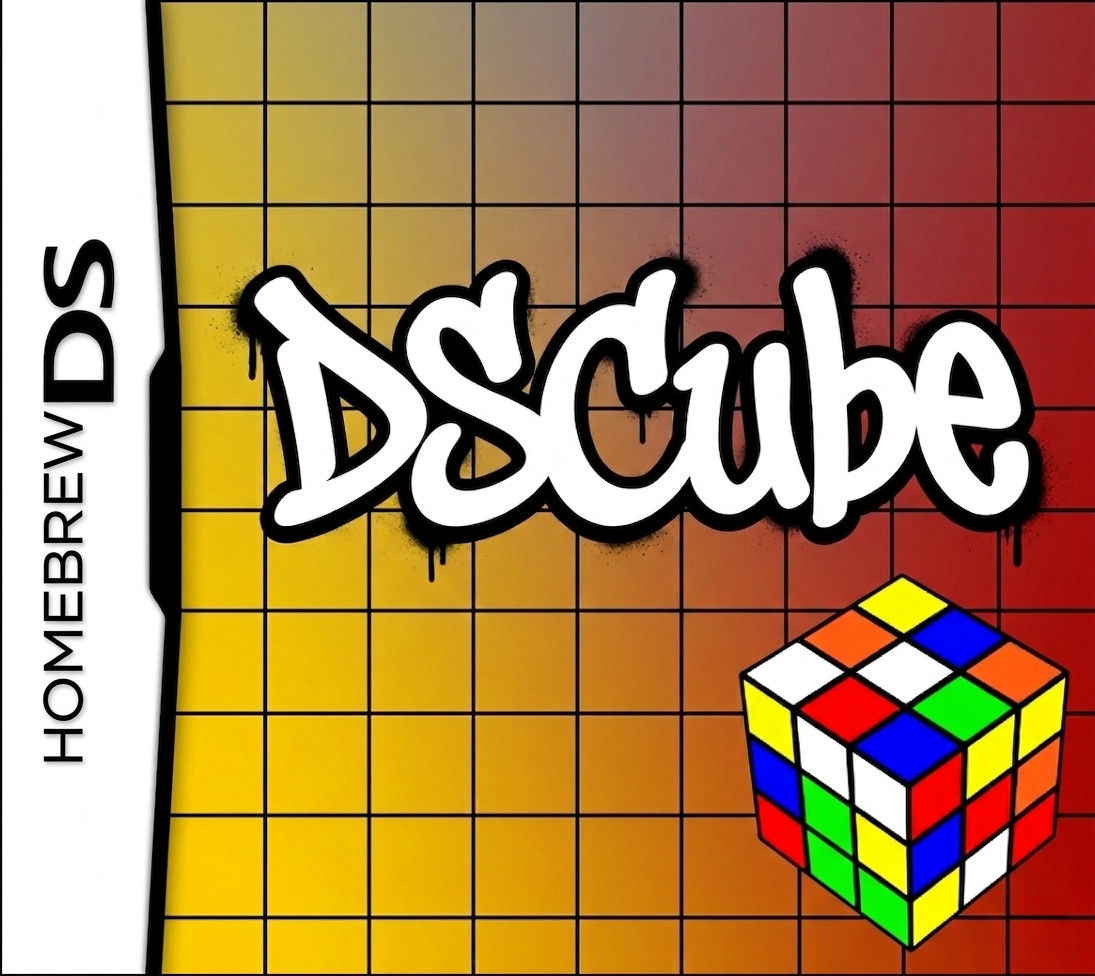
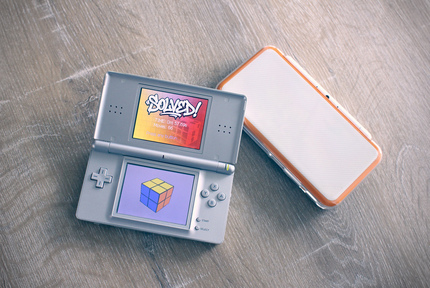
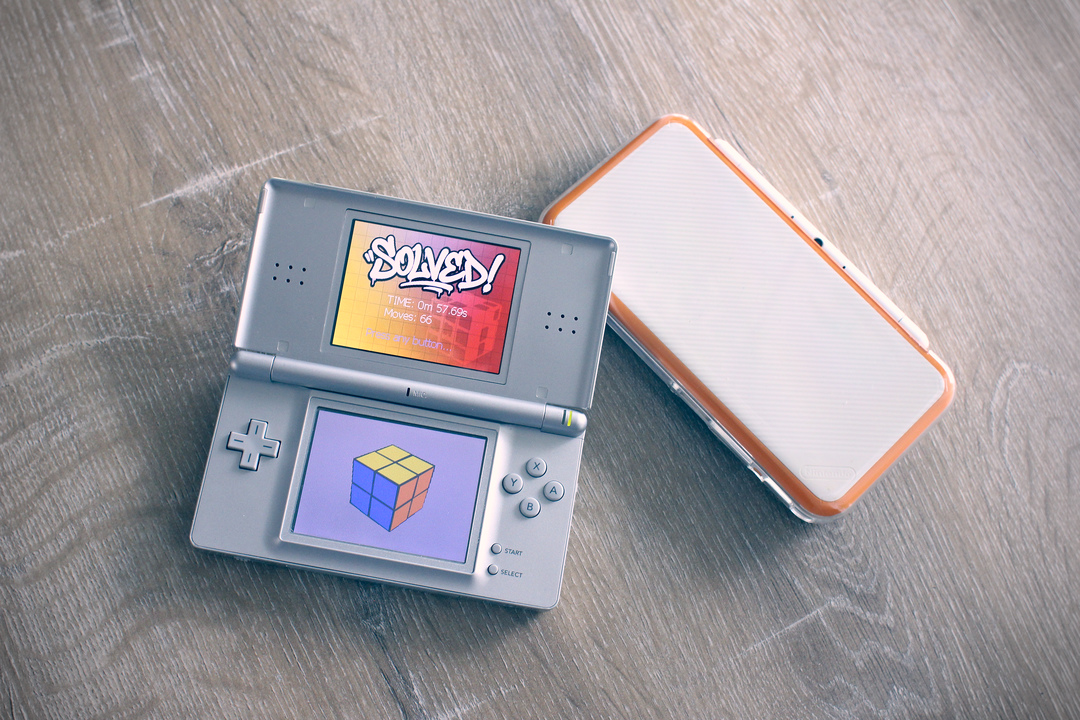
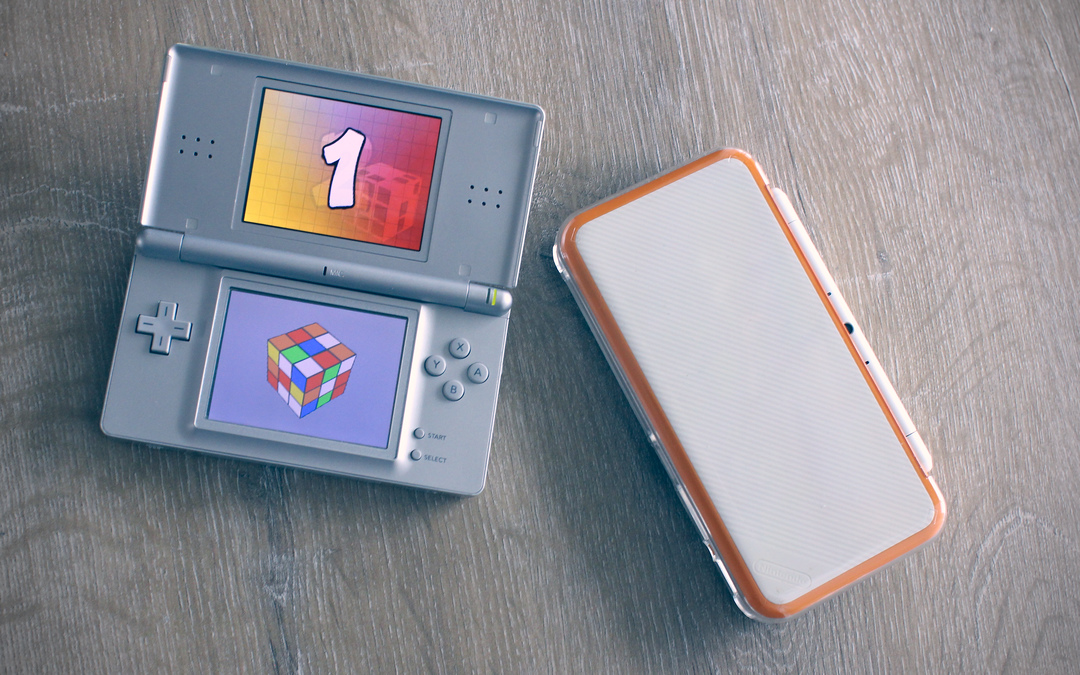
That little project, DSCube, sat dormant for nearly two decades. The code still compiled (barely), but its text-based menus and bare-bones interface were showing their age. Recently, I decided to revisit it, not out of pure nostalgia, but to see how far AI-assisted development could push a project that I never had the time or graphical skills to finish to a point I was really happy with. The result is a fully polished twist puzzle simulator with 3D rendering, touch controls, custom artwork, and support for 2x2, 3x3, and 4x4 cubes.
If you want to try the final game, head over to itch.io and download the ROM there.
The Original: C++ Practice on a Dual-Screen Handheld
The Nintendo DS was a fascinating platform to target. Its ARM9 processor, hardware-accelerated 3D engine, and touchscreen made it feel like a real development challenge — not a toy. The original DSCube had the core puzzle logic working: you could rotate layers on different sized cubes rendered in 3D on the top screen. But everything around it was rough. Menus were text-only, there was no visual polish, and the code was the kind of “it works, don’t touch it” C++ that a bioinformatician writes when learning the language.
The original NDS toolchain was also a different world. Setting up devkitPro, getting libnds configured, and understanding the hardware registers, all of that required trawling through sparse documentation and forum posts. There was no Stack Overflow to speak of for NDS homebrew. You had a few wikis, some example code, and a lot of trial and error.
Two Decades Later
Fast-forward to 2026. I’ve been exploring how AI-assisted coding can help push hobby projects to a level I couldn’t reach alone, whether that’s porting a genetic art algorithm to Rust or building a Game Boy game from scratch. Each project teaches me something new about where AI excels and where human judgment is still essential.
DSCube felt like the perfect candidate. The core logic was solid but the surrounding code was messy. The UI needed a complete overhaul. All of this is exactly the kind of work where AI assistance works well: refactoring existing code, implementing well-defined features, and handling the tedious parts so I can focus on design decisions.
Setting Up a Modern Build Environment
The first order of business was getting the project to build reliably. The NDS toolchain has evolved significantly since the mid-2000s, and I wanted a reproducible setup. I put together a Dockerfile based on the official devkitPro image:
# Multi-stage build: start from the official devkitPro devkitARM image
# which includes the full NDS toolchain (devkitARM, libnds, ndstool, etc.)
FROM devkitpro/devkitarm:latest AS devkitarm

# Use a modern Debian base for the final image so we get recent Python
# and can install Node.js / Claude Code without fighting old system packages
FROM debian:bookworm-slim

# Carry over the entire devkitPro toolchain from the official image
COPY --from=devkitarm /opt/devkitpro /opt/devkitpro

# devkitPro environment variables expected by all NDS Makefiles
ENV DEVKITPRO=/opt/devkitpro
ENV DEVKITARM=${DEVKITPRO}/devkitARM
ENV PATH=${DEVKITPRO}/tools/bin:${DEVKITARM}/bin:${PATH}

# Core build tools and utilities needed for NDS development and general use
RUN apt-get update && apt-get install -y --no-install-recommends \
    # Build essentials for compiling native helper tools or asset pipelines
    build-essential \
    make \
    # Python 3.11+ ships with Bookworm
    python3 \
    python3-pip \
    python3-venv \
    # Node.js needed for Claude Code (npm method) and JS-based asset tools
    curl \
    ca-certificates \
    # Version control
    git \
    # Useful for NDS ROM inspection and data manipulation
    xxd \
    # C/C++ code formatter (equivalent to black/ruff for Python)
    clang-format \
    # Shell niceties for devcontainer use
    less \
    nano \
    && rm -rf /var/lib/apt/lists/*

# Install Node.js 22 LTS via NodeSource for Claude Code compatibility
RUN curl -fsSL https://deb.nodesource.com/setup_22.x | bash - \
    && apt-get install -y --no-install-recommends nodejs \
    && rm -rf /var/lib/apt/lists/*

# Install Claude Code globally via npm
# The native installer requires an interactive shell, so npm is more
# straightforward inside a container build
RUN npm install -g @anthropic-ai/claude-code

# Create a non-root user for devcontainer use
ARG USERNAME=vscode
ARG USER_UID=1000
ARG USER_GID=${USER_UID}
RUN groupadd --gid ${USER_GID} ${USERNAME} \
    && useradd --uid ${USER_UID} --gid ${USER_GID} -m ${USERNAME} \
    && apt-get update && apt-get install -y --no-install-recommends sudo \
    && echo "${USERNAME} ALL=(ALL) NOPASSWD:ALL" >> /etc/sudoers \
    && rm -rf /var/lib/apt/lists/*

USER ${USERNAME}
WORKDIR /workspace
This multi-stage build pulls the full NDS toolchain from devkitPro’s official image and drops it onto a modern
Debian base. The container includes Python (for asset conversion scripts), Node.js (for Claude Code), and
clang-format for consistent code style. With this setup, anyone can clone the repo and build the ROM with a
simple make.
The Modernization Process
My workflow with Claude Code followed a pattern I’ve refined over several projects. First, I work out a markdown document with step-by-step changes I would like to make and detail how I want them implemented. Then I point the AI at a specific step, letting it implement it and then remove that step from the list. For substantial changes, I do an extra round in plan mode, having Claude draft one or more implementation plans for a given step. I review that plan carefully, revise if needed and then let Claude implement while I check the outcome. For straightforward tasks I skip the planning phase, and for trivial fixes I’ll drop down to the Sonnet model to save time and tokens.
Cleaning Up the Foundation
The first passes were all about code quality. Claude Code performed a thorough code review, identifying dead
code, inconsistent naming, redundant logic, and potential bugs. One early win was consolidating loose global
variables into proper objects, a GameSession class to track timer and move state, and an nds_init wrapper
class for hardware initialization:
class GameSession
{
  public:
    void start(int initialMoves);
    void reset();
    bool isSolved() const;
    int getMoves() const;
    int getElapsedTicks() const;
    // ...
};
This kind of refactoring is tedious to do by hand but goes fast with a coding assistant. Claude consistently identified patterns I would have missed, unused declarations, magic numbers that should be constants, functions that could be simplified.
The Interface Overhaul
This is where the project went from “functional” to “finished.” The old text-based menus were replaced with a full button-based UI system supporting both touch and D-pad navigation:
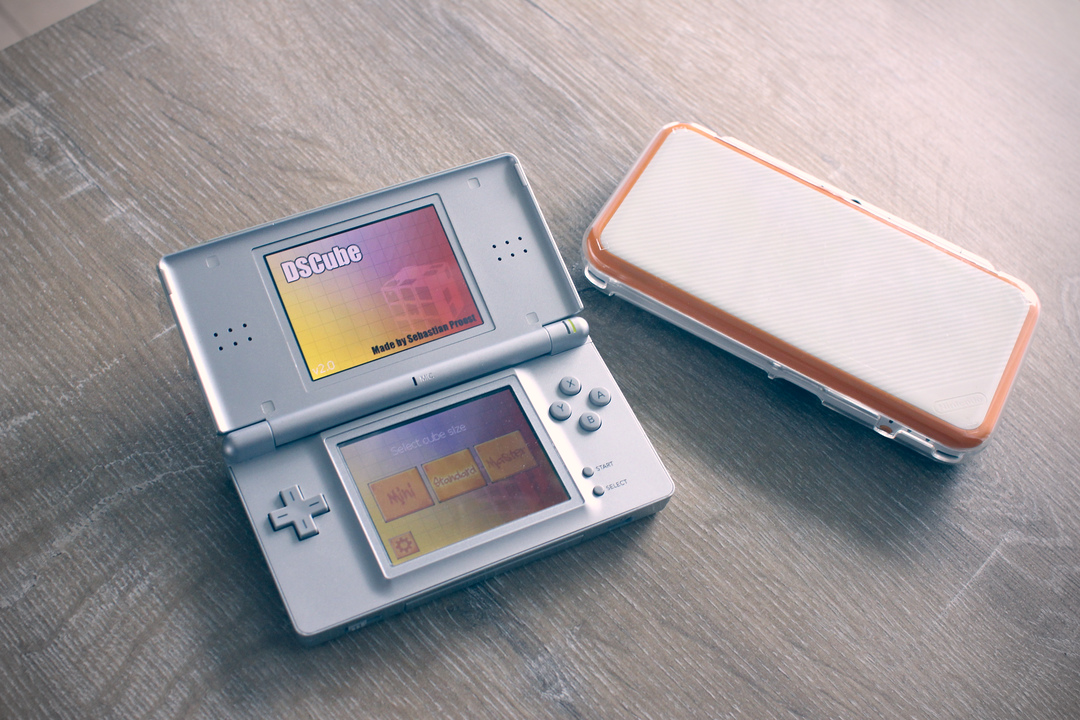
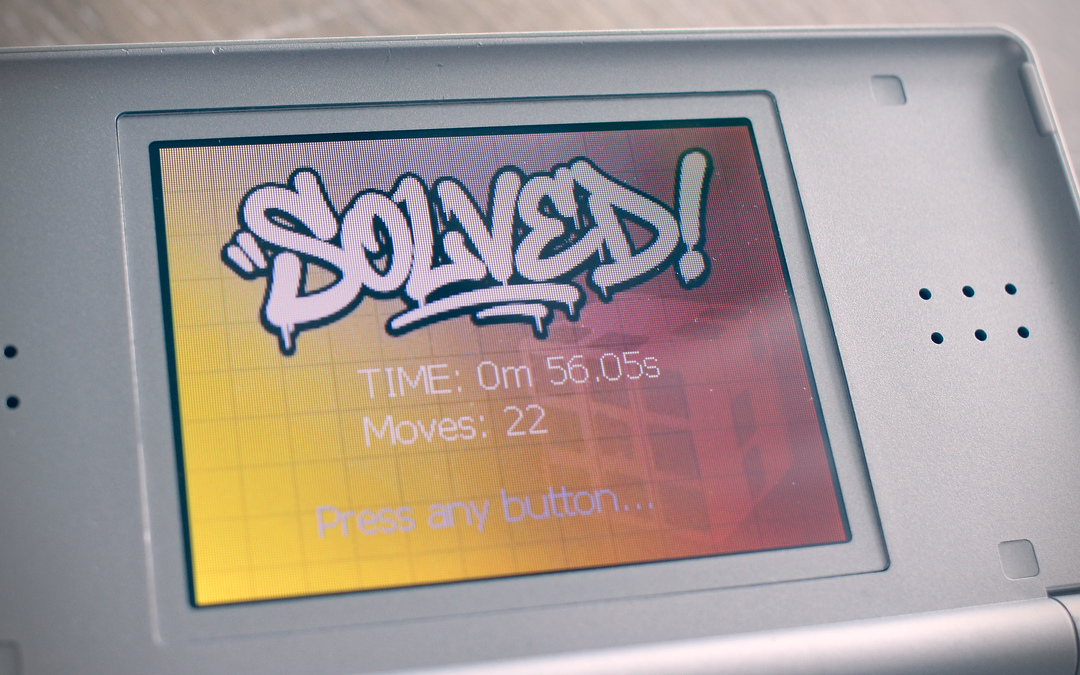
The game flows through a clean state machine: title screen, countdown (with animated 3-2-1-GO graphics), playing,
paused, and solved states. A ButtonGroup class handles spatial navigation, when you press a direction on the
D-pad, it finds the nearest button in that direction, which sounds simple but requires some care to get right on
the DS’s 256x192 screen.
Graphics: Where Gemini Stepped In
This is one area where my skills simply don’t reach. I used Google Gemini to generate all the visual assets: button graphics in normal and focused states for each cube size, background screens for every game state, street art-style title text, and even mock box art. The assets were then converted to the NDS’s RGB555 format using a Python script:
# tools/png2bin.py - Convert images to NDS RGB555 format
r5, g5, b5 = r >> 3, g >> 3, b >> 3
pixel = (1 << 15) | (b5 << 10) | (g5 << 5) | r5
Each pixel gets packed into a 16-bit word with 5 bits per channel and an alpha bit. These .bin files are then
compiled directly into the ROM via devkitARM’s bin2o tool, making them available as byte arrays in C. It’s a
simple pipeline, but it works. Having an AI generate the source assets meant I could iterate on the visual
style without being blocked by my own artistic limitations.
The libfb Compatibility Layer
One thing that barely registered as a challenge, but would have been a headache twenty years ago, was that the
libfb library my original code depended on had been removed from libnds at some point. Claude Code wrote a
drop-in compatibility layer (libfb_compat) that reimplements the framebuffer text rendering and image blitting
on the sub screen using bgInitSub and dmaCopy. A software framebuffer is composed each frame and DMA’d to
VRAM:
static u16 fb_buffer[256 * 192];  // software framebuffer

void bg_swapBuffers()
{
    dmaCopy(fb_buffer, bgGetGfxPtr(bg_id), 256 * 192 * sizeof(u16));
    // Reset to background image for next frame
    dmaCopy(current_bg, fb_buffer, 256 * 192 * sizeof(u16));
}
I mention this because it’s a perfect example of the kind of problem that used to consume an entire weekend of digging through documentation and debugging. With Claude Code, it was done in one step. I described the missing library and the API I needed, and got a working replacement.
Then vs. Now: How Development Has Changed
Working on this project in 2026 versus 2007 is a very different experience. Here’s what stood out:
Setting up a toolchain is a breeze now. Twenty years ago, getting devkitPro running was itself a multi-day project. With Docker, a Dockerfile and a Makefile can give you a reproducible build environment in minutes. This
is not an AI thing, it’s the cumulative effect of two decades of open-source tooling improvements.
AI handles the tedious work. Code reviews, refactoring, writing compatibility layers, implementing well-specified features, … these are tasks where Claude Code does well without much direction. Twenty years ago, this amount of polishing would have taken weeks or months of work on and off during my spare time, and honestly, I probably would have given up.
Graphics are no longer a blocker. For a hobbyist programmer with little artistic skill, generating decent button graphics and backgrounds used to mean either settling for programmer art or finding a collaborator. Gemini produced usable assets from text descriptions, and while they’re not pixel-perfect, they’re much better than what I could draw by hand.
The hard parts are still hard. Touch-based 3D selection (using gluPickMatrix for hit testing), the 4x4
solved-state detection algorithm, and camera math, these required the same careful thinking they always did. AI can
help implement a solution once you’ve designed it, but the design still needs a human who understands the problem
space.
Debugging embedded targets hasn’t changed much. When something goes wrong on the NDS, you’re still staring at a black screen or garbled pixels. The emulators (melonDS, DeSmuME) are better than they were, but debugging on constrained hardware with no stdout is still just as painful. Claude Code can suggest fixes, but it can’t see your screen.
Running It Yourself
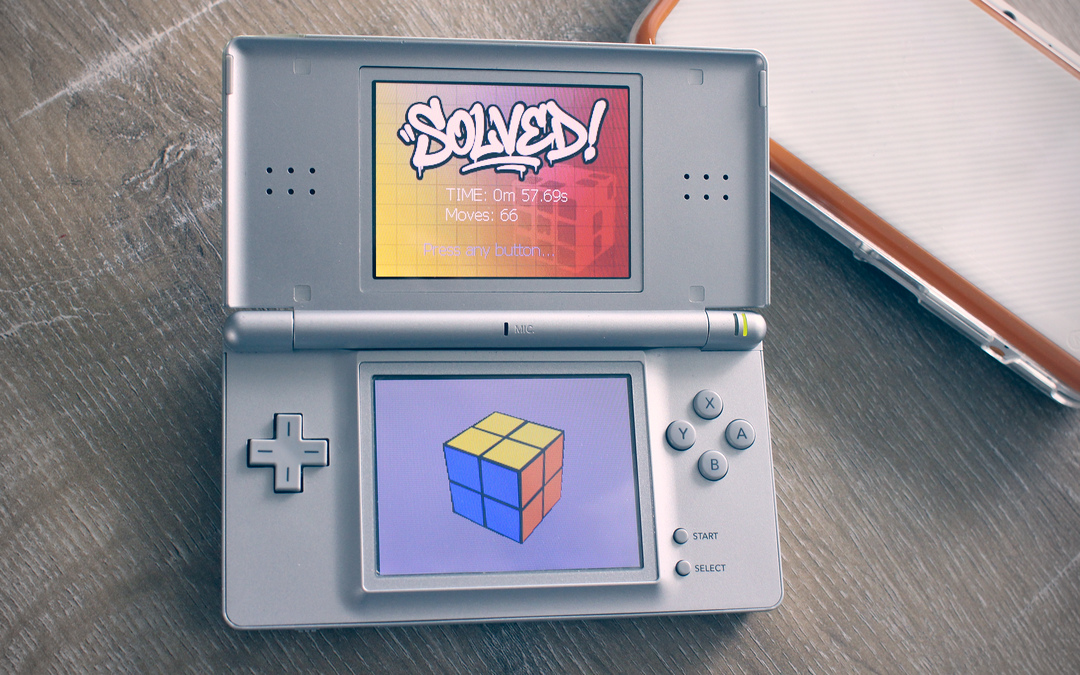
If you want to try DSCube, first grab it from itch.io. To run it you have two options:
What I Learned
AI-assisted development scales down. Most of the attention around AI coding tools focuses on large codebases and modern frameworks. But it works surprisingly well on a 20-year-old C++ project targeting an ARM9 processor with 4 MB of RAM. Claude Code understood the NDS APIs, the OpenGL-like rendering pipeline, and the constraints of the platform without needing a lot of context from me.
The best use of AI is multiplying existing knowledge. I understood the cube logic, the NDS hardware model, and what I wanted the finished product to look like. Claude Code and Gemini filled in the implementation gaps: the boilerplate, the compatibility code, the visual assets. If I had started this project from zero with no embedded programming experience, the AI assistance would have been far less effective.
Old projects are great AI benchmarks. If you want to understand what AI coding tools can actually do, try pointing them at your oldest, crustiest side project. The gap between “working but ugly” and “polished and complete” is exactly the kind of gap these tools are best at closing.
It’s strange to finally see this project finished. Twenty years ago I shelved it because life (and a PhD thesis) got in the way. The core logic was always sound, it just needed more time and effort than I could justify. Now, with some AI help, it’s done.
Liked this post? You can buy me a coffee